Free TikTok Transcript Generator

Turn any TikTok video into a searchable transcript.

Paste a public TikTok link to extract the spoken words, timestamps, key moments, hooks, and reusable content ideas.

No signup required to try · Usually ready in about a minute · Public TikTok URLs only

Analyze the hook and structure →

Daniel Vengoechea, Founder of GetTranscribe

Written by Daniel Vengoechea · Founder & CEO, GetTranscribe

Software engineer · AI systems builder · GetTranscribe founder

Timestamps included

Jump to any spoken moment

50+ languages

Auto-detect or pick a language

TXT, SRT, PDF exports

Copy or download in one click

Real example · Transcription #235272

Capture every word, hook, and key moment.

A real result generated from a public TikTok — with transcript, timestamps, hook analysis, scene changes, and a clear path to repurpose.

CopyTXTSRTAnalyze

Transcript

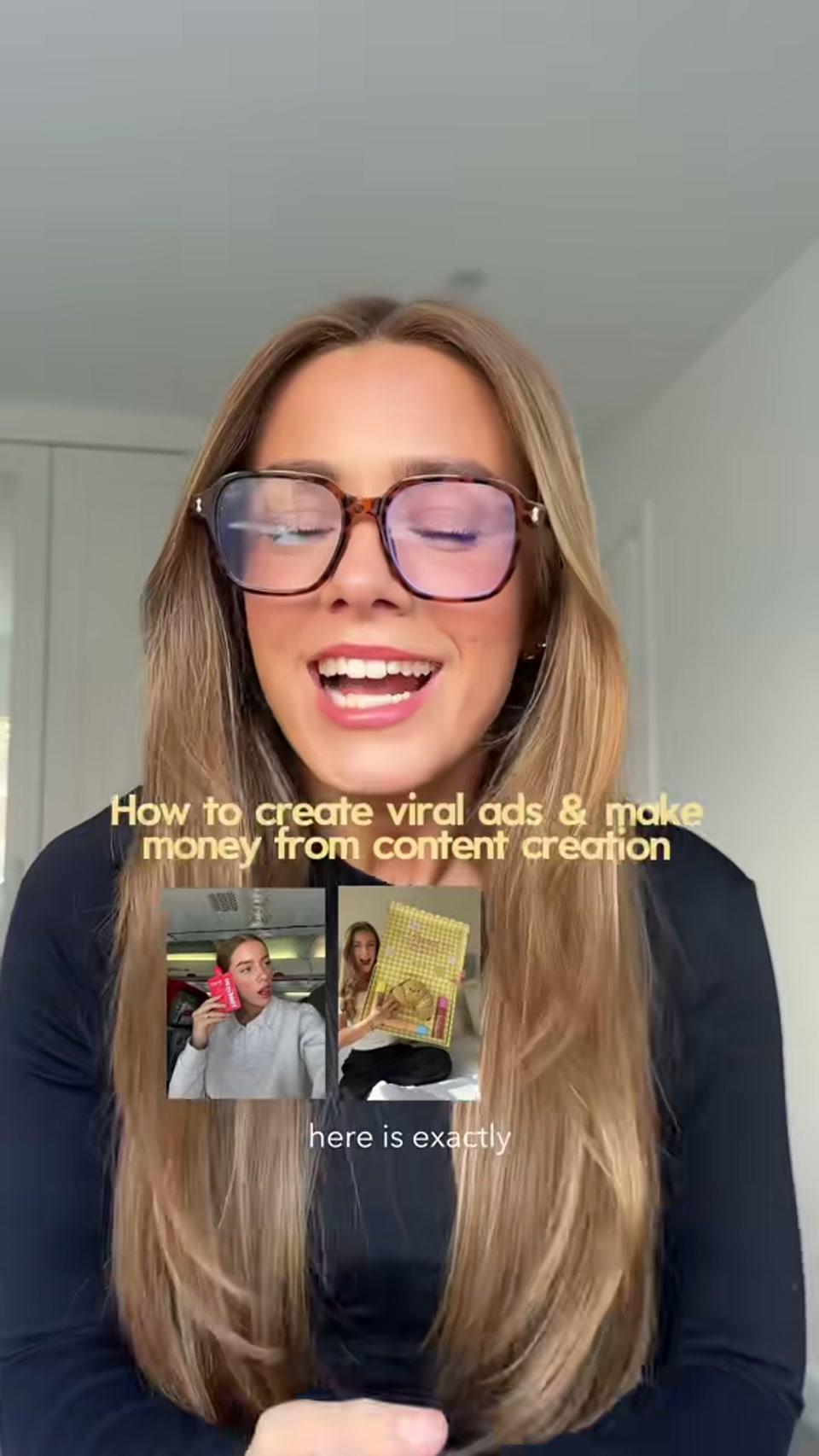
0:00 Here is exactly how you're going to create a viral ad video for a brand and actually make money from social media.

0:04 I've had multiple viral UGC videos, I've worked with over 300 brands.

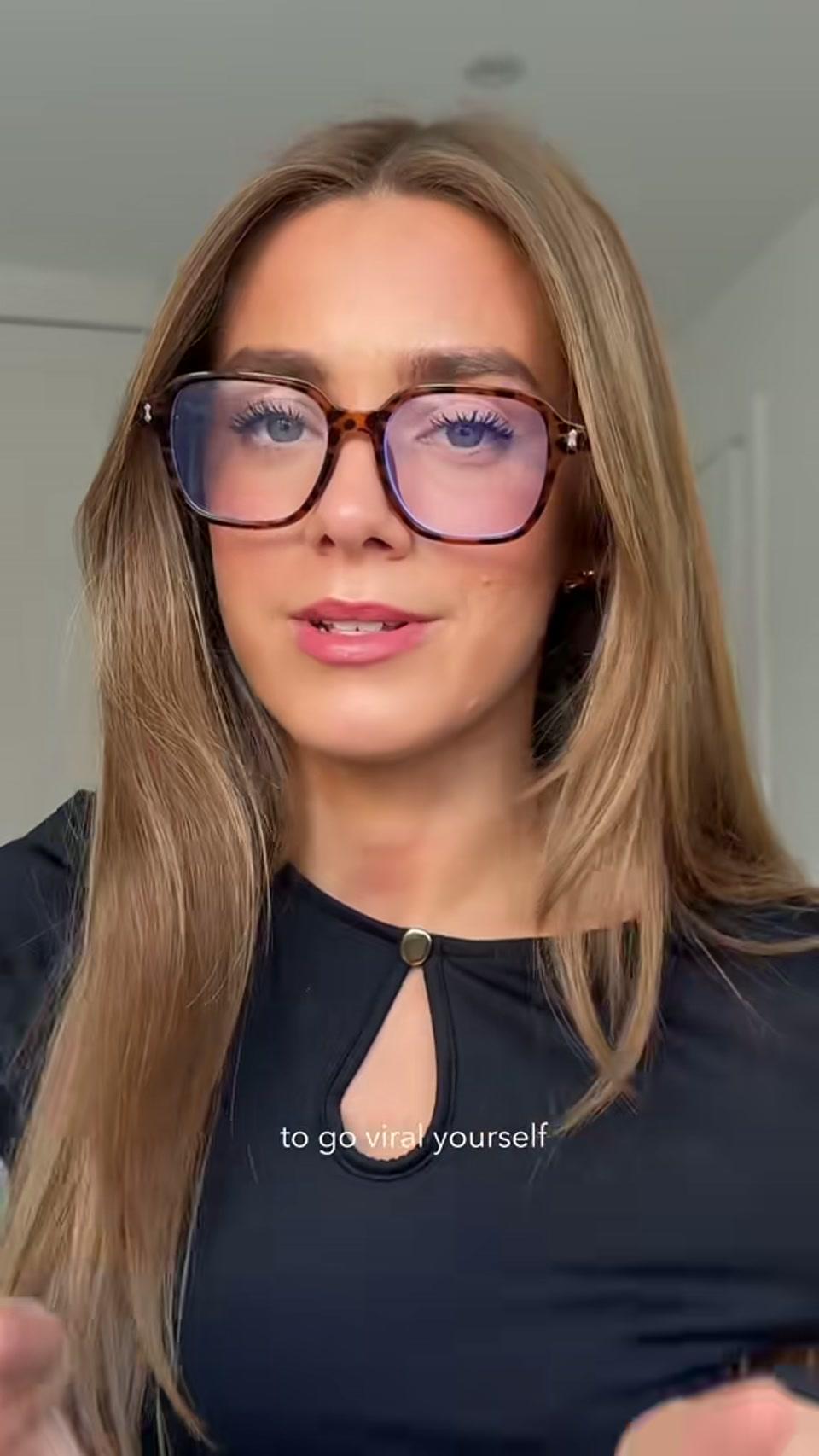
0:08 I'm going to break down a simple blueprint that you can use to go viral yourself.

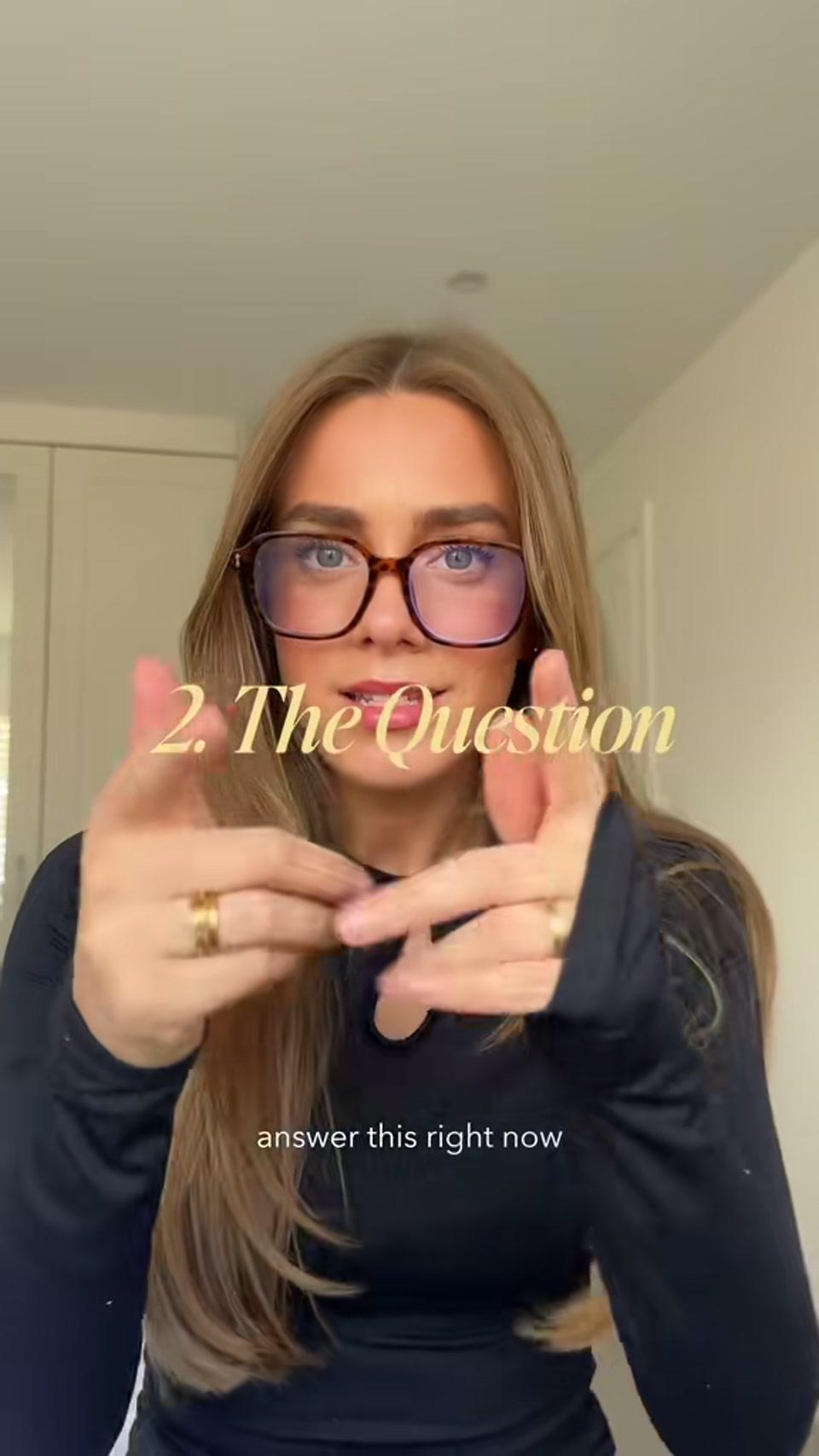
0:11 When it comes to your hook, you really want to think about making your hook a question that's about to answer a problem.

0:30 Answer this right now: why aren't you getting enough protein in your diet?

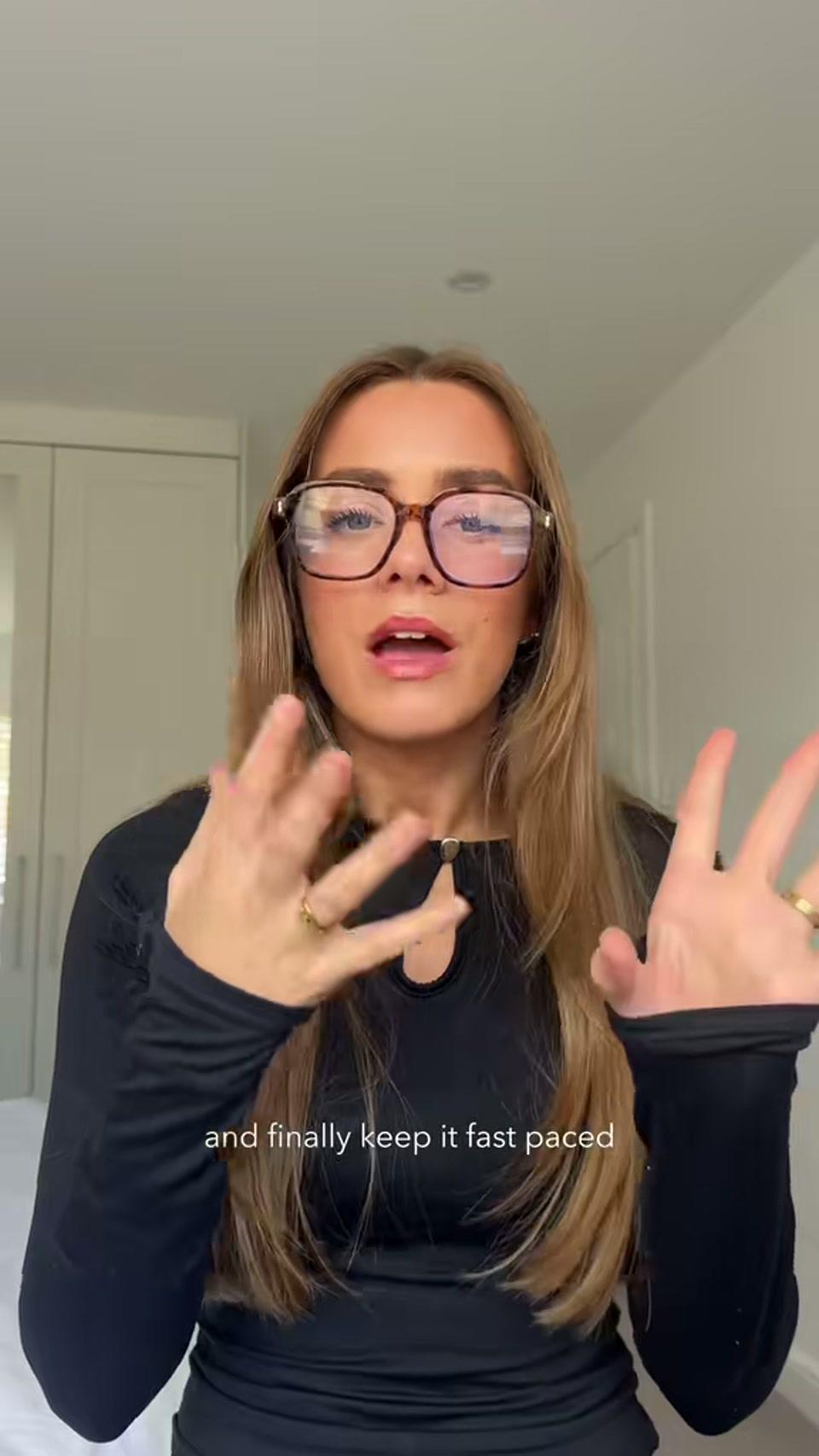
0:45 Keep it fast paced. Get everything that you need to get in that time frame. Sell within 30 seconds.

Opening hook

Here is exactly how you're going to create a viral ad video for a brand and actually make money from social media.

Result-first promise

Scene timeline

Opening promise at 0:00
0:00Opening promiseViral ad blueprint + income outcome
Hook framework at 0:11
0:11Hook frameworkTurn the buyer's problem into a question
Question example at 0:30
0:30Question exampleProtein goal problem → product answer
Pacing + payoff at 0:45
0:45Pacing + payoffSell fast and finish on conversion

CTA detected

Do this and your content won't just look good, it also converts.

Transcript generated. Now ask:

What makes this hook result-first?Where does the creator establish authority?Turn this blueprint into a checklistWrite a question hook for my product
TikTok-specific

Understand how TikTok videos capture attention.

Beyond the words — see the spoken hook, on-screen text, structure, scene changes, and CTA patterns that make short-form content work.

Spoken hook

Here is exactly how you're going to create a viral ad video for a brand and actually make money from social media.

On-screen text

How to create viral ads & make money from content creation

Hook type

Result-first promise

Structure

HookTip 1Tip 2CTA

Scene changes

  • Opening promise at 0:00
    0:00Opening promiseViral ad blueprint + income outcome
  • Hook framework at 0:11
    0:11Hook frameworkTurn the buyer's problem into a question
  • Question example at 0:30
    0:30Question exampleProtein goal problem → product answer
  • Pacing + payoff at 0:45
    0:45Pacing + payoffSell fast and finish on conversion

CTA

Do this and your content won't just look good, it also converts.

Alternative hooks to test

  • Use a question as your hook to address the consumer's problem directly
  • I've worked with 300 brands — here is the ad hook blueprint I use
  • Your UGC ad can look good and still fail to convert. Fix this first
Next step

A transcript is only the beginning.

Once your video is transcribed, GetTranscribe can identify hooks, topics, scenes, CTAs, visual patterns, and opportunities to reuse the content.

  1. Video link
  2. Transcript
  3. Hooks + scenes + topics
  4. Search + compare + repurpose
Analyze this transcript
How it works

How to get a transcript from a TikTok video

  1. Step 1

    Paste the link

    Copy a public TikTok URL from Share → Copy link, then paste it above.

  2. Step 2

    Generate the transcript

    Hit Get TikTok Transcript. We pull the audio and return searchable text with timestamps.

  3. Step 3

    Analyze, export, or repurpose

    Copy text, download SRT, ask AI about hooks and structure, or move into full video analysis.

Outputs

What you get from every video

Transcript

Every spoken word as clean, editable text.

Timestamps

Jump to hooks, claims, and CTAs without rewatching.

TXT & SRT

Plain text for docs; SRT for CapCut, Premiere, and captions.

Summary

A short overview of what the TikTok is saying and selling.

AI analysis

Ask what hooks, scenes, and CTAs are doing in the clip.

Scenes & structure

See how the video moves from open to proof to ask.

Use cases

Built for TikTok research and short-form teams

Creator research

Capture what top creators say in your niche — hooks, claims, and CTAs — without rewatching every clip.

Competitor audits

Pull scripts from competitor TikToks and spot repeated messaging patterns across accounts.

Hook testing

Extract opening lines and on-screen text so your team can rewrite and A/B better first seconds.

Short-form structure

Map Hook → Proof → Offer → CTA so editors know which beats to keep, cut, or remake.

Trend monitoring

Transcribe trending formats fast and turn spoken patterns into briefs your creators can ship.

Caption & repurpose

Drop SRT into CapCut, or turn a winning TikTok into a thread, email, or ad script.

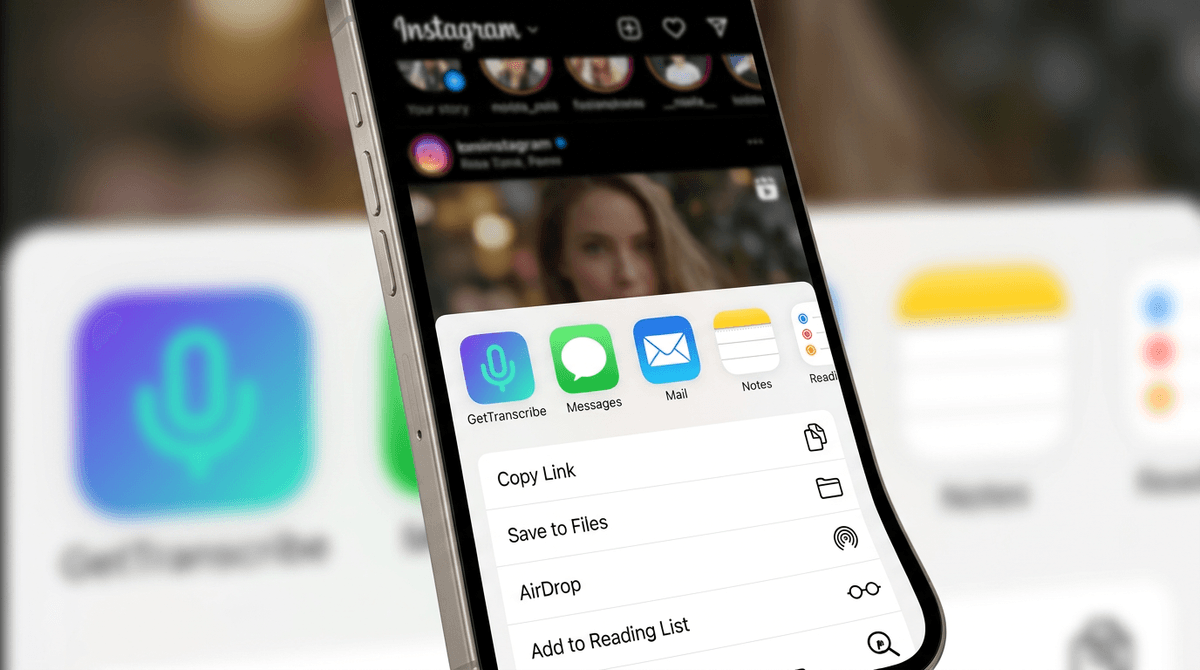
GetTranscribe app iconMobile App

Share directly from TikTok into GetTranscribe.
No desktop needed.

On iPhone, tap Share on any public TikTok and open it in GetTranscribe. Get the transcript, save the hook analysis, and keep researching from your pocket.

Share a TikTok into GetTranscribe in one tap

Capture hooks and CTAs while you scroll

Available on iOS; Android waitlist open

iOS share sheet with GetTranscribe
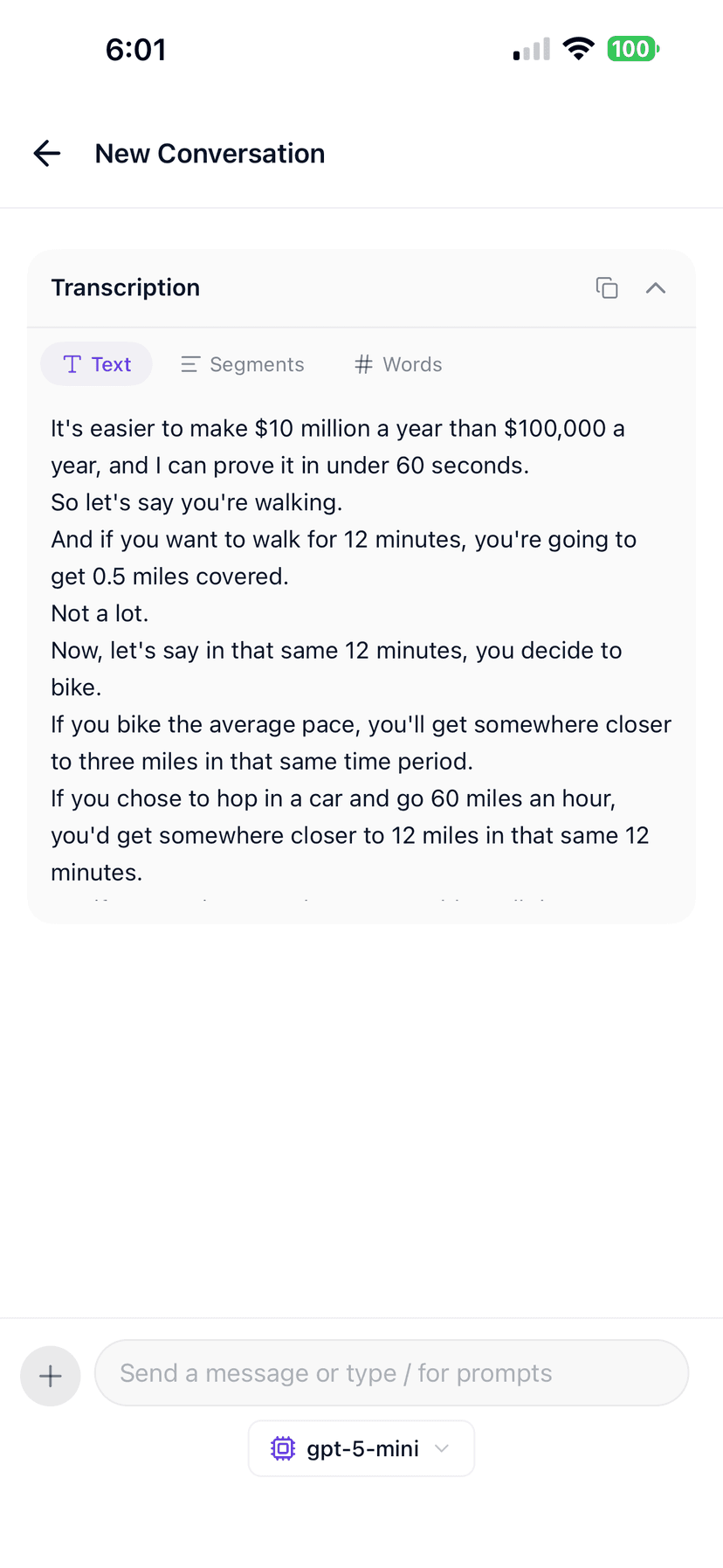
Full transcript of a viral video
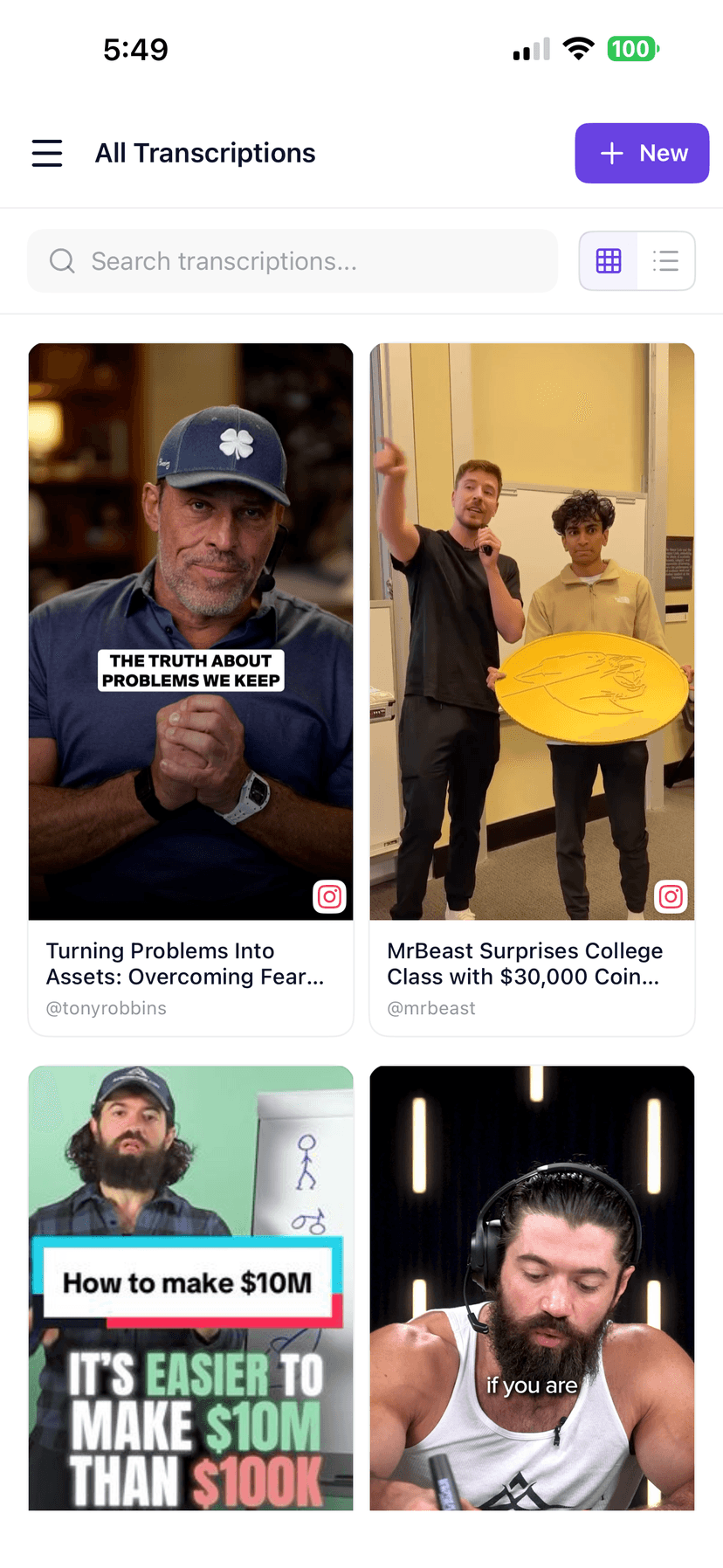
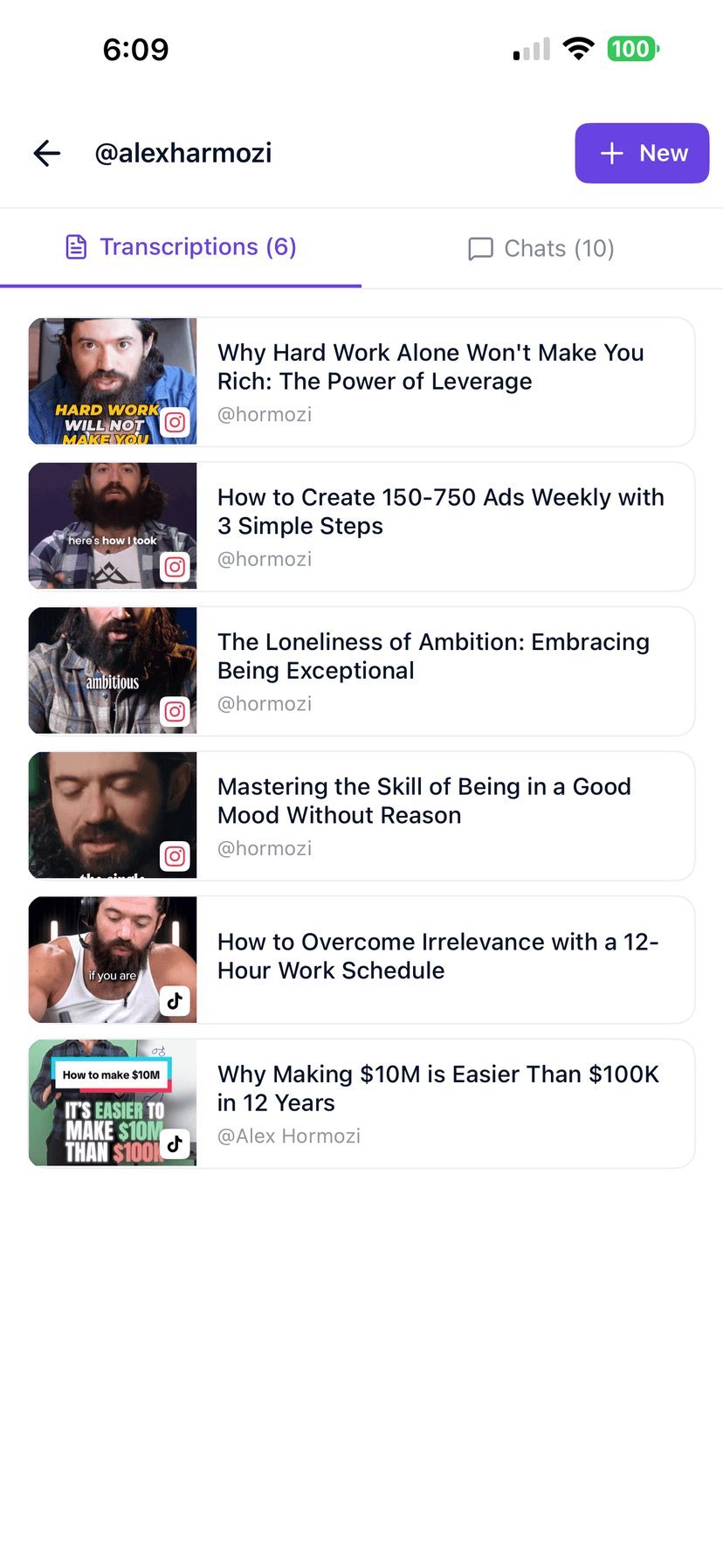
Library of transcriptions
Integrations

Send your transcript anywhere

Copy text, export files, or plug GetTranscribe into the tools your team already uses.

Explore all integrations →
Comparison

GetTranscribe vs other workflows

TopicManualGetTranscribe
Getting the wordsRewatch and type, or screen-record then upload elsewhere.Paste a public TikTok URL — transcript + timestamps out in about a minute.
Understanding the clipGuess the hook and structure by eye.Surface spoken hooks, on-screen text, scenes, and CTAs after the transcript.
CaptionsBuild overlays frame-by-frame in CapCut.Download SRT and drop it into CapCut or Premiere.
Definition

What is a TikTok transcript?

A TikTok transcript is the complete spoken text of a video — every word your audience hears, written out so you can quote, caption, research, or repurpose without rewatching.

GetTranscribe turns that audio into editable text, SRT caption files, and timestamped segments so you can draft hooks, briefs, and new content from TikToks that already perform — without manual typing.

Pricing

Simple, transparent pricing

Start with 2 free video analyses · Pro from $9.99/month · usage credits for API and automation.

View full pricing
FAQ

Frequently asked questions

Straight answers for the searches people actually type before they transcribe a video.

Can I transcribe TikTok videos with music?

Yes. GetTranscribe extracts the speech audio from the video. Heavy background music reduces word-level accuracy, but spoken vocals are still captured. Voiceover-only TikToks with clear speech usually produce the best results.

Does it work with TikTok Duets and Stitches?

Yes, when the Duet or Stitch URL is publicly accessible. Both speakers' audio is captured in the single transcript. You can then edit out whichever side you need.

Can I transcribe private TikTok videos?

No. GetTranscribe can only process public TikTok URLs. Private accounts, friends-only videos, and content that requires a login you have not authorized cannot be transcribed.

How do I get a TikTok link to paste in?

Open the TikTok video on the app or web, tap the Share icon, and choose 'Copy link'. That link is what you paste into GetTranscribe. You can also use our Chrome extension to transcribe right from the TikTok tab.

Can I export SRT captions for TikTok?

Yes. After transcription you can download an SRT file, copy plain text, or view a timestamped transcript. SRT files drop straight into CapCut, Premiere, or DaVinci for caption overlays.

What can I do after I get the transcript?

Copy or export the text, then analyze hooks, scenes, and CTAs; ask AI questions about the video; organize runs in folders; compare creators; or repurpose the message into new content. A transcript is the starting point — analysis is the next step.

How much does it cost?

Try without an account first. Pay-as-you-go is $0.06 per minute of audio. Free includes 2 lifetime video transcriptions. Pro is $9.99/mo. See pricing for the full breakdown.

Explore more